 Ntwine
The queue
One list of the threads that need you, in the order they got there.
The queue is the list of threads that need you. Instead of checking on each agent yourself, you work through one list.
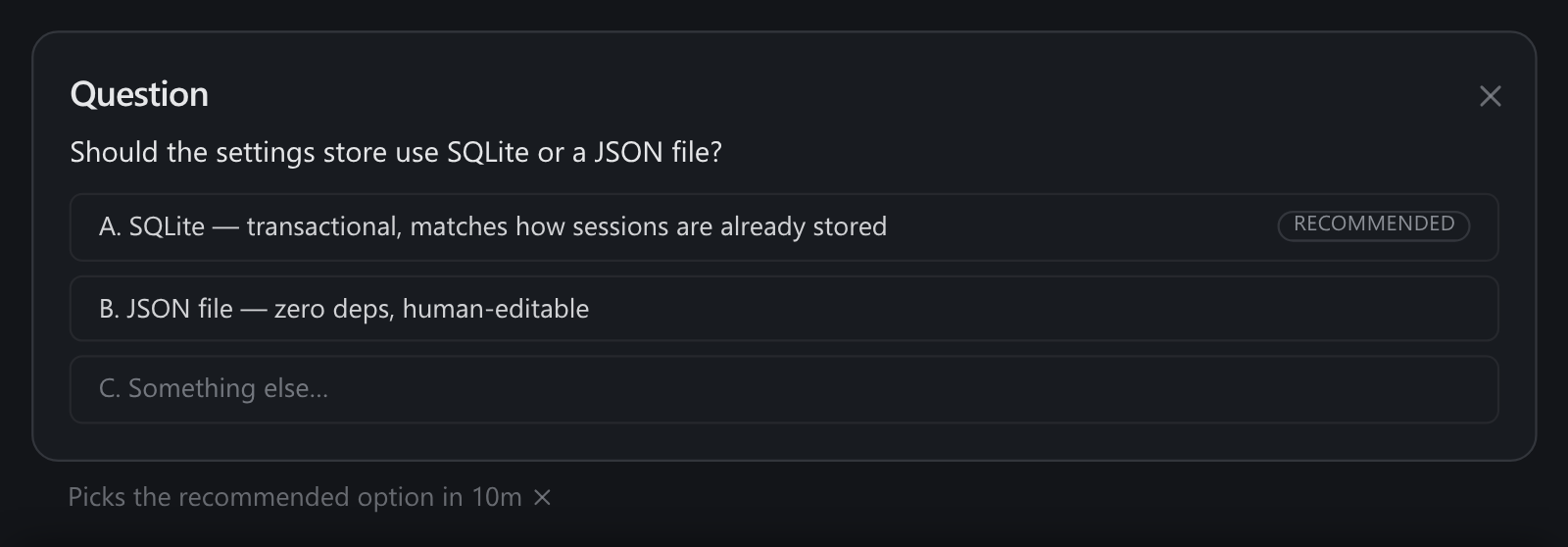
When an agent comes to rest and needs you, its thread becomes a card. You read what it did since your last message, then answer its question, steer it, snooze it or mark it done. Everything you need to act on is in one place, in the order it arrived.
Only what needs you
A thread only gets a card if it's actually waiting on you, so the queue stays a real to-do list. A thread that's resting because its own sub-agents are still working, or because it's waiting on CI, a review or a timer, isn't waiting on you. It stays out of the queue until something changes. Nothing shows up just to be dismissed.
The bands
Every thread is in exactly one of five bands. A project's board names all of them, and Pinned, Queue and Running never fold.
| Band | What's in it |
|---|---|
| Pinned | Threads you pinned, whatever they're doing, until you unpin them. |
| Queue | Threads at rest that need you, or that stopped on a permission prompt. One row per card, each with how long it has waited. |
| Running | Threads whose agents are working right now, however long they go quiet. |
| Snoozed | Threads you parked, and threads waiting on something outside: a PR, an issue, a timer or the next run of a schedule. |
| Done | Threads you marked done. Reply to one to pick it back up. |
Order
By default the queue runs oldest first, so you cycle through everything. You can flip it to newest first under Settings. A card you're reading never moves under you: while the page is open, new arrivals join the bottom.
Working it
j and k move between cards, r replies, d marks done and opens the next one, and s snoozes. The rest are in keyboard shortcuts.